← Back to Home
Trading Signal / Indicator
🌅

Aroon Indicator

Identify new trend emergence and trend strength with precision timing.

Start Automating Free →

Want to automate this strategy? Try auto-Trading free — no credit card required.

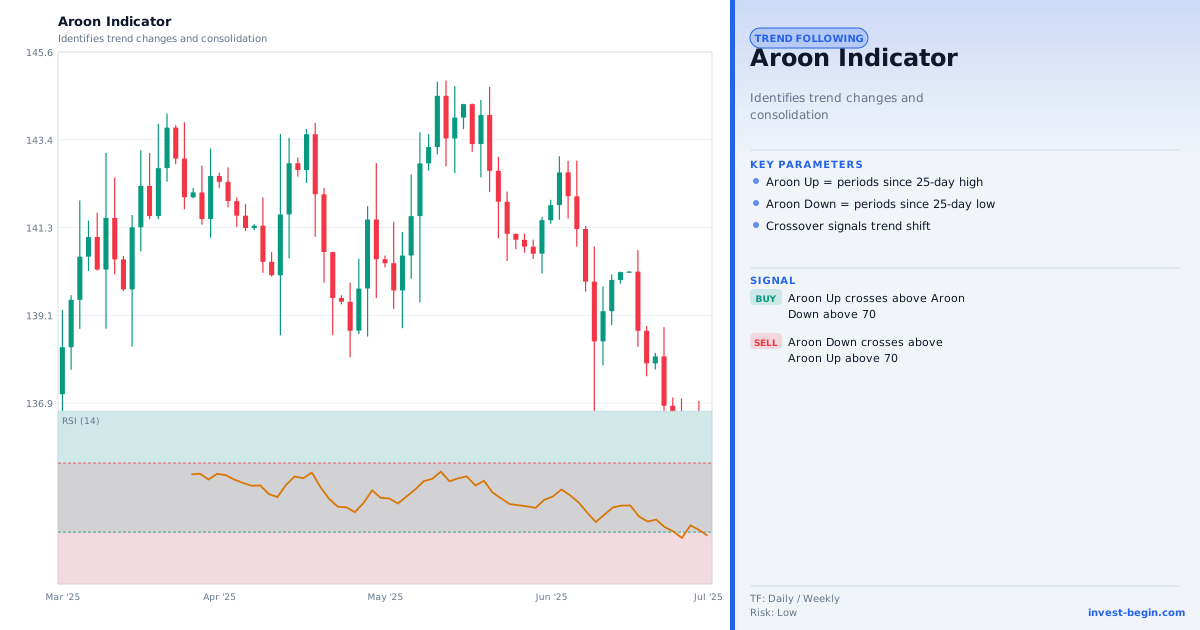
Aroon Indicator chart

Overview

What is Aroon Indicator?

The Aroon indicator, developed by Tushar Chande in 1995, measures how recently a new high or low has been recorded within a lookback period. "Aroon" is a Sanskrit word meaning "dawn's early light" — appropriate for an indicator designed to detect the earliest signs of a new trend.

The indicator has two lines: Aroon Up = ((N − Bars Since N-Period High) ÷ N) × 100 and Aroon Down = ((N − Bars Since N-Period Low) ÷ N) × 100. Both range from 0 to 100. The default period is 25.

High Aroon Up (above 70) indicates that price recently made a high near the top of the lookback period — bullish strength. High Aroon Down (above 70) indicates a recent low — bearish strength. When Aroon Up is above 70 and Aroon Down is below 30 simultaneously, a strong uptrend is likely in place.

The Aroon Oscillator (Aroon Up − Aroon Down) simplifies interpretation: positive values indicate bullishness, negative values bearishness. Crossovers of the two Aroon lines provide trend change signals — when Aroon Up crosses above Aroon Down, a bullish trend may be emerging; the reverse for a bearish trend.

Aroon is particularly useful for identifying the very early stages of a trend — before most momentum indicators confirm. This makes it valuable for position traders and trend followers looking to enter at the earliest possible point with controlled risk.

How It Works in auto-Trading

Automate It

auto-Trading computes Aroon Up, Aroon Down, and the Aroon Oscillator for any period. The strategy builder supports crossover signals, high/low threshold alerts (above 70 / below 30), and oscillator zero-line crossovers. Aroon is effectively used as a regime filter: activate trend-following strategies only when Aroon Up is dominant.

Try Free →

Strategy Code

Pick a script below, copy it, and use it on your chart.

Pine Script (TradingView)

This is a TradingView Pine Script example for this indicator. Paste it into the TradingView Pine Editor, add it to your chart, and adjust inputs for your market and timeframe.

//@version=6
strategy("Aroon Indicator", overlay=true)
fastLen = input.int(20, "Fast Length")
slowLen = input.int(50, "Slow Length")
fast = ta.ema(close, fastLen)

Get full strategy code access

Enter your email address and full name to unlock this strategy code.

ThinkScript (thinkorswim)

This is a thinkorswim ThinkScript example for this indicator. Open thinkorswim, create a custom study, paste the script, and apply it to your chart.

input length = 14;
def up = AroonUp(length = length);
def down = AroonDown(length = length);
def buySignal = up crosses above down;
def sellSignal = down crosses above up;

Get full strategy code access

Enter your email address and full name to unlock this strategy code.

Ready to automate Aroon Indicator?

Join thousands of traders who use auto-Trading to execute this strategy automatically, 24/7.

Get Started Free →

All Strategies & Signals

Continue Learning

Trading Strategies

Trading Signals & Indicators