← Back to Home
Trading Signal / Indicator
πŸŒ€

Parabolic SAR

An automatic trailing stop system that follows the trend.

Start Automating Free β†’

Want to automate this strategy? Try auto-Trading free β€” no credit card required.

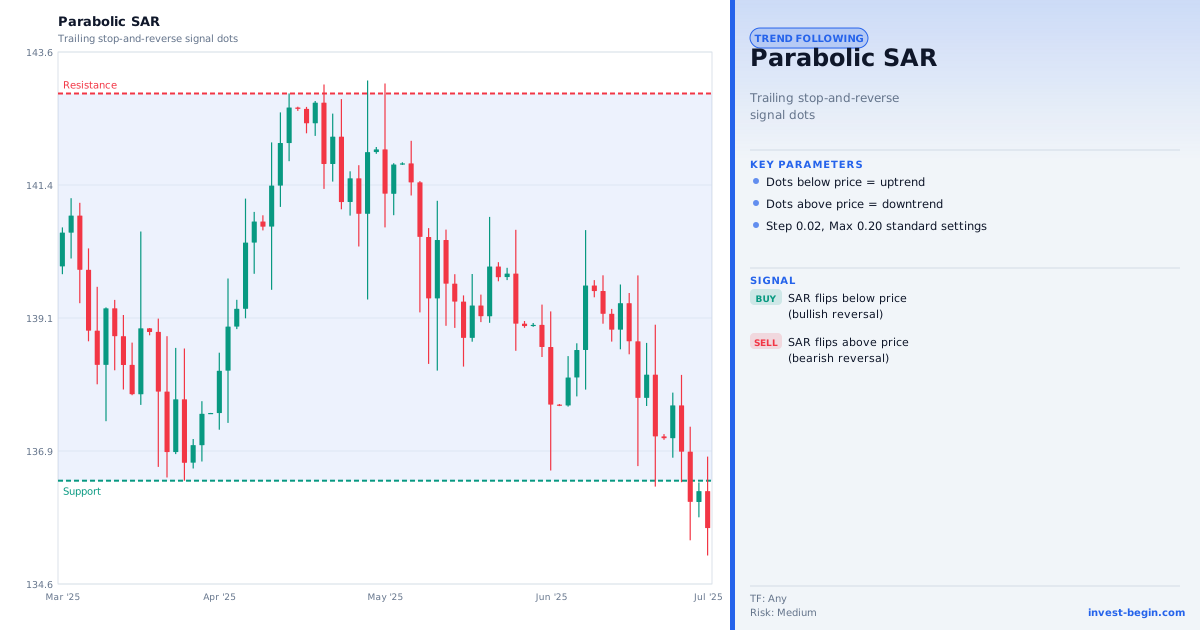
Parabolic SAR chart

Overview

What is Parabolic SAR?

The Parabolic SAR (Stop and Reverse), developed by J. Welles Wilder Jr., is a trend-following indicator that places dots above or below price to indicate direction and potential reversal points. When dots are below price, the trend is up; when dots are above price, the trend is down. The indicator is named for the parabolic curve the dots trace as a trend accelerates.

The SAR value is computed using an Acceleration Factor (AF) that starts at 0.02 and increases by 0.02 each time a new extreme price is recorded during the trend, up to a maximum of 0.20. As the AF increases, the SAR dot moves closer to price, meaning a reversal signal is triggered sooner as the trend matures β€” protecting profits in extended moves.

A reversal signal occurs when price touches or crosses the SAR dot. The SAR immediately flips to the other side of price and the AF resets to 0.02. This makes Parabolic SAR a "stop and reverse" system: when it signals a reversal, it simultaneously suggests closing the current trade and opening an opposite one.

Parabolic SAR is most effective in strongly trending markets. In sideways markets, the frequent dot flips produce many false signals. Traders typically use ADX to confirm a trend is present before relying on SAR signals.

How It Works in auto-Trading

Automate It

auto-Trading implements Parabolic SAR with configurable starting AF, step size, and maximum AF. The strategy builder supports SAR flip signals (dots crossing price) as trade entry/exit triggers. The SAR value is used directly as a dynamic trailing stop: the open position's stop-loss is updated to the current SAR value at each bar close.

Try Free β†’

Strategy Code

Pick a script below, copy it, and use it on your chart.

Pine Script (TradingView)

This is a TradingView Pine Script example for this indicator. Paste it into the TradingView Pine Editor, add it to your chart, and adjust inputs for your market and timeframe.

//@version=6
strategy("Parabolic SAR", overlay=true)
fastLen = input.int(20, "Fast Length")
slowLen = input.int(50, "Slow Length")
fast = ta.ema(close, fastLen)

Get full strategy code access

Enter your email address and full name to unlock this strategy code.

ThinkScript (thinkorswim)

This is a thinkorswim ThinkScript example for this indicator. Open thinkorswim, create a custom study, paste the script, and apply it to your chart.

def sar = ParabolicSAR();
def buySignal = close crosses above sar;
def sellSignal = close crosses below sar;
AddOrder(OrderType.BUY_AUTO, buySignal, close, 1, Color.GREEN, Color.GREEN, "SAR Buy");
AddOrder(OrderType.SELL_AUTO, sellSignal, close, 1, Color.RED, Color.RED, "SAR Exit");

Get full strategy code access

Enter your email address and full name to unlock this strategy code.

Ready to automate Parabolic SAR?

Join thousands of traders who use auto-Trading to execute this strategy automatically, 24/7.

Get Started Free β†’

All Strategies & Signals

Continue Learning

Trading Strategies

Trading Signals & Indicators