← Back to Home
Trading Strategy
πŸ“°

News Trading Strategy

Capitalise on price volatility triggered by scheduled and surprise news events.

Start Automating Free β†’

Want to automate this strategy? Try auto-Trading free β€” no credit card required.

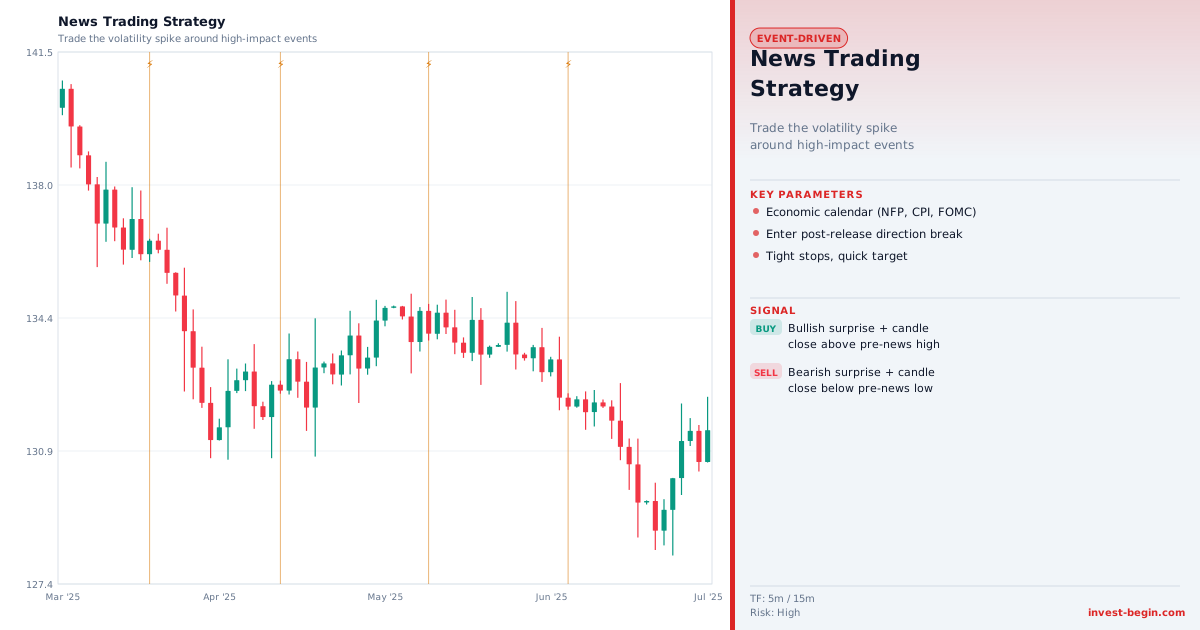
News Trading Strategy chart

Overview

What is News Trading Strategy?

News trading exploits the sharp price movements that follow significant economic, corporate, or geopolitical events. Markets price in expectations before announcements, and when the actual data deviates from consensus forecasts, the repricing can be rapid and violent β€” creating opportunities for traders who act quickly.

The two main approaches are "trade the release" (entering immediately after the announcement) and "trade the reaction" (waiting for the initial knee-jerk move to exhaust before entering in a more considered direction). The latter is often more reliable, as initial reactions are frequently reversed within minutes as algorithms re-price and human traders panic-cover.

Key event types include: central bank rate decisions and forward guidance (Fed, ECB, BoE, BoJ), major economic releases (Non-Farm Payrolls, CPI, GDP, PMI), corporate earnings announcements, and geopolitical shocks. Economic calendars rank releases by expected market impact β€” "high impact" events (3-star releases on Forex Factory or equivalent) are the primary targets.

Risk management is critical: position sizes should be reduced before major news to avoid being caught on the wrong side of a binary outcome. Slippage can be severe during the first few seconds after a release, so limit orders are generally preferable to market orders in the immediate post-release window.

How It Works in auto-Trading

Automate It

auto-Trading integrates a live economic calendar that automatically flags upcoming high-impact events. Users configure pre-event position reduction rules (e.g., reduce size by 50% 30 minutes before NFP), post-event breakout entry rules (enter if price moves more than X pips/ATR within the first 60 seconds), and volatility filters to avoid entering in the initial chaotic spike.

Try Free β†’

Strategy Code

Pick a script below, copy it, and use it on your chart.

Pine Script (TradingView)

This is a TradingView Pine Script strategy example for this page concept. Paste it into the TradingView Pine Editor, add it to your chart, and run it in the Strategy Tester.

//@version=6
strategy("News Trading Strategy", overlay=true)
fastLen = input.int(20, "Fast Length")
slowLen = input.int(50, "Slow Length")
fast = ta.ema(close, fastLen)

Get full strategy code access

Enter your email address and full name to unlock this strategy code.

ThinkScript (thinkorswim)

This is a thinkorswim ThinkScript strategy example for this page concept. Open thinkorswim, create a custom strategy, paste the script, and apply it to your chart.

input fastLength = 20;
input slowLength = 50;
def fastMA = ExpAverage(close, fastLength);
def slowMA = ExpAverage(close, slowLength);
def buySignal = fastMA crosses above slowMA;

Get full strategy code access

Enter your email address and full name to unlock this strategy code.

Ready to automate News Trading Strategy?

Join thousands of traders who use auto-Trading to execute this strategy automatically, 24/7.

Get Started Free β†’

All Strategies & Signals

Continue Learning

Trading Strategies

Trading Signals & Indicators