Overview
What is Volume Analysis?
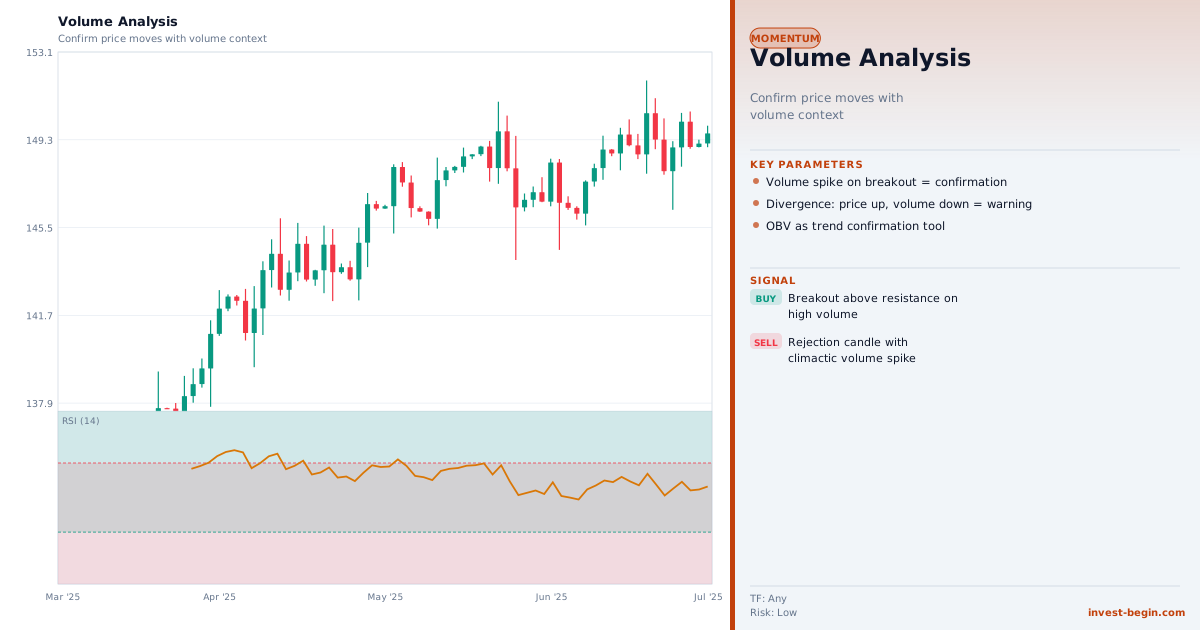
Volume is the number of units traded in a given period, and it is one of the most direct measures of market participation and conviction. The principle of "volume precedes price" reflects the observation that significant institutional activity — which drives major price moves — must involve large transaction volumes.
Key volume analysis concepts include: volume confirmation (a breakout or reversal accompanied by above-average volume is more likely to be genuine), volume divergence (price making new highs on declining volume suggests diminishing buying interest and potential reversal), and volume climaxes (extremely high volume bars after a sustained trend often mark exhaustion and reversal points — known as "selling climaxes" at bottoms and "buying climaxes" at tops).
On-Balance Volume (OBV) accumulates volume on up-days and subtracts it on down-days, creating a running total that acts as a momentum indicator. When OBV diverges from price, it often foreshadows a price reversal. The Money Flow Index (MFI) combines price and volume to create a volume-weighted RSI.
Volume Profile analysis maps volume by price level rather than by time, revealing the "Point of Control" (POC) — the price level with the highest traded volume — which acts as a magnetic anchor for price. High Volume Nodes (HVN) act as support/resistance; Low Volume Nodes (LVN) act as areas of fast price travel.