Pine Script (TradingView)
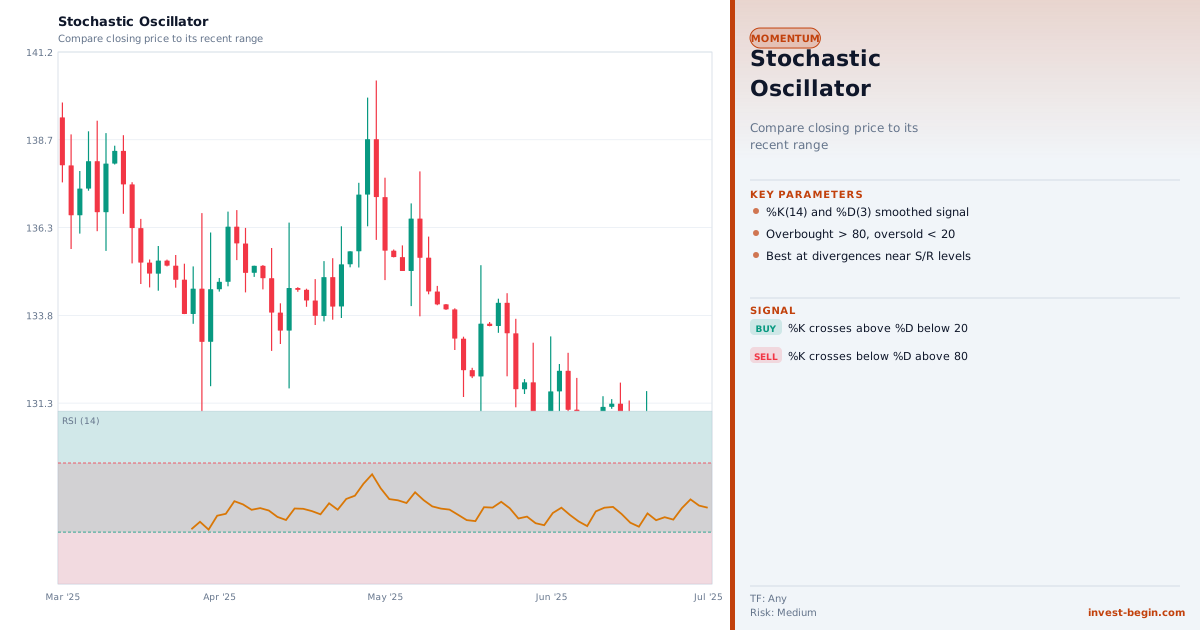
This is a TradingView Pine Script example for this indicator. Paste it into the TradingView Pine Editor, add it to your chart, and adjust inputs for your market and timeframe.
//@version=6
strategy("Stochastic Oscillator", overlay=true)
length = input.int(14, "Length")
smooth = input.int(3, "Smoothing")
k = ta.sma(ta.stoch(close, high, low, length), smooth)
d = ta.sma(k, smooth)
longSignal = ta.crossover(k, d) and k < 25
exitSignal = ta.crossunder(k, d) and k > 75
if longSignal
    strategy.entry("Long", strategy.long)
if exitSignal
    strategy.close("Long")
plot(k, "K", color=color.aqua)
plot(d, "D", color=color.fuchsia)