Pine Script (TradingView)
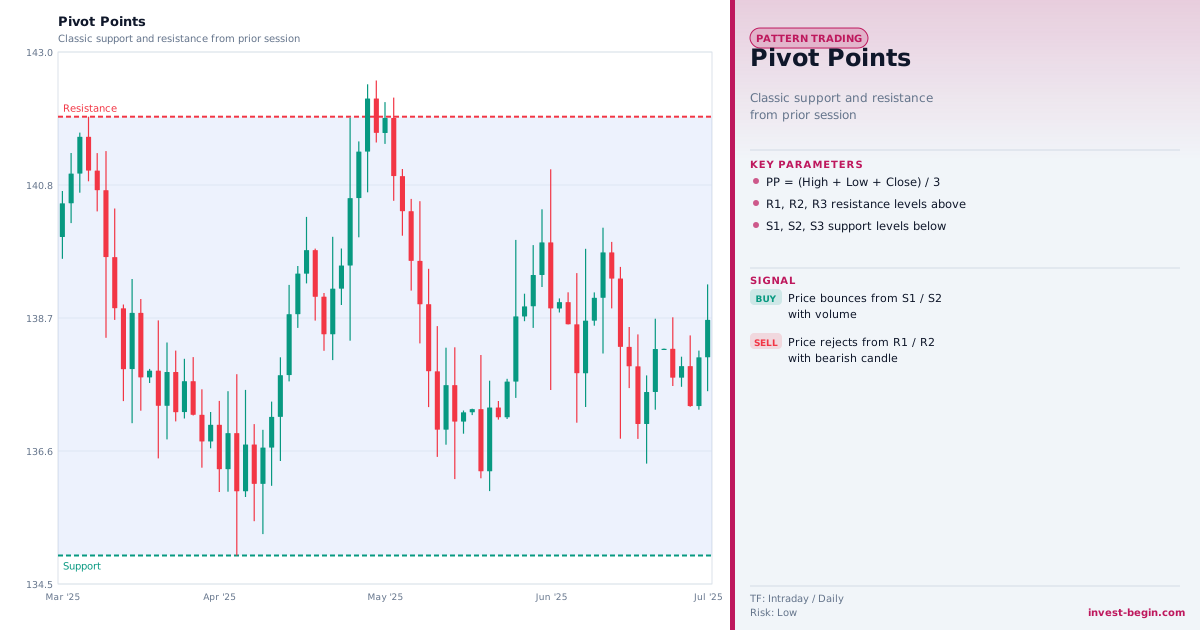
This is a TradingView Pine Script example for this indicator. Paste it into the TradingView Pine Editor, add it to your chart, and adjust inputs for your market and timeframe.
//@version=6
indicator("Pivot Points", overlay=true)
pivot = (high[1] + low[1] + close[1]) / 3
r1    = 2 * pivot - low[1]
r2    = pivot + (high[1] - low[1])
s1    = 2 * pivot - high[1]
s2    = pivot - (high[1] - low[1])
longSignal  = ta.crossover(close, s1)
shortSignal = ta.crossunder(close, r1)
plotshape(longSignal,  style=shape.triangleup,   location=location.belowbar, color=color.green, size=size.small)
plotshape(shortSignal, style=shape.triangledown, location=location.abovebar, color=color.red,   size=size.small)
plot(pivot, "Pivot", color=color.yellow,  linewidth=2)
plot(r1,    "R1",    color=color.red,     linestyle=plot.style_stepline_diamond)
plot(r2,    "R2",    color=color.red,     linestyle=plot.style_stepline_diamond)
plot(s1,    "S1",    color=color.green,   linestyle=plot.style_stepline_diamond)
plot(s2,    "S2",    color=color.green,   linestyle=plot.style_stepline_diamond)