Pine Script (TradingView)
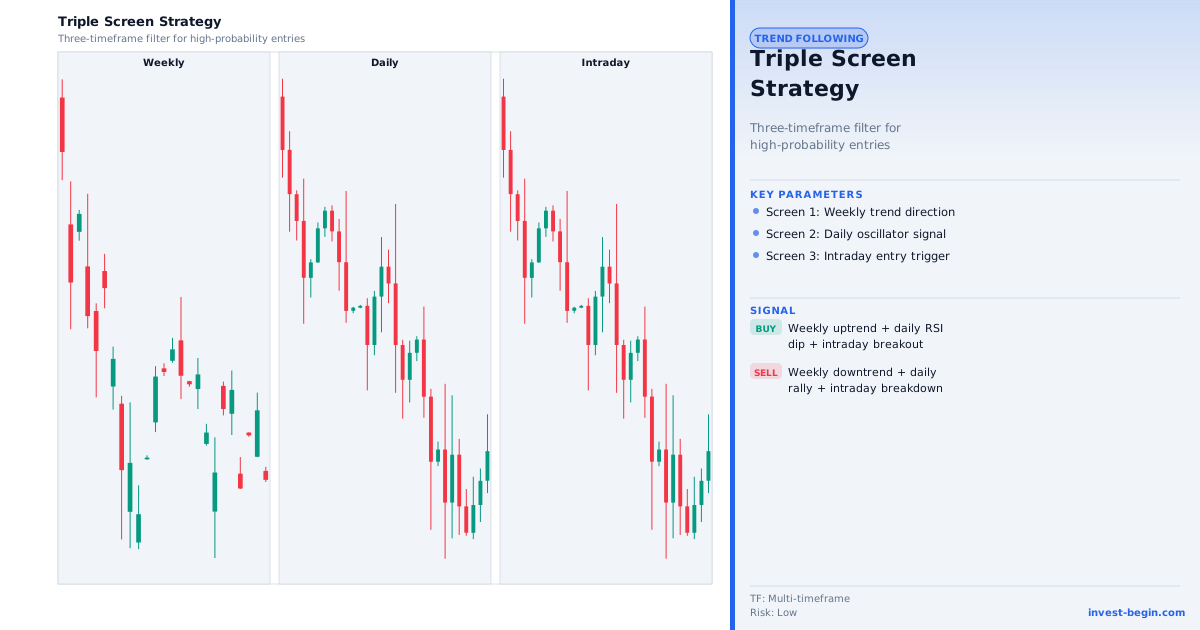
This is a TradingView Pine Script strategy example for this page concept. Paste it into the TradingView Pine Editor, add it to your chart, and run it in the Strategy Tester.
//@version=6
strategy("Triple Screen Trading System", overlay=true)
// Screen 1: weekly MACD histogram direction (simulated on current TF × 5)
screen1Len = input.int(5, "Screen 1 multiplier (applies to MACD)")
[m, s, hist] = ta.macd(close, 12 * screen1Len, 26 * screen1Len, 9 * screen1Len)
weeklyBull = hist > 0
// Screen 2: daily Stochastic oversold/overbought
stochK = ta.sma(ta.stoch(close, high, low, 14), 3)
screen2Buy  = stochK < 30 and weeklyBull
screen2Sell = stochK > 70 and not weeklyBull
// Screen 3: trailing buy/sell stop (next bar entry)
if screen2Buy
    strategy.entry("TriBuy",  strategy.long)
if screen2Sell
    strategy.entry("TriSell", strategy.short)
plot(ta.ema(close, 13), "EMA 13", color=color.aqua)
plot(ta.ema(close, 34), "EMA 34", color=color.orange)